Dear fellow nudity enthusiast!
How great that you are going to install our Android app! We have worked hard on it for 4 months and we hope you will find it very useful!
Please note: carefully read the instructions below before downloading and installing the Android app!
To start: make sure you install the app while you are online!
If you install the app without an internet connection, the 7-day trial period will not be activated and you will not be able to enjoy the Pro benefits. If you accidentally installed the app offline, you will notice that, among other things, the filters do not work.
No worries! Completely remove the app from your smartphone and try again with a working internet connection.
⚠️ App installation
Because the app is (not yet) available in the Google Play Store, your Android phone will likely show a message such as:
For security reasons, your phone currently does not have permission to install unknown apps from this source. You can change this in Settings.
In that case, tap ‘Settings’ and temporarily allow installation from this source. If you don’t, the app cannot be installed.
Nothing happening after the download? Open the My Files app on your smartphone and look for the file nude-places.apk in your Downloads or Installation files folder. Tap it to start the installation. Your phone may also ask for installation permission or first run a security scan. That is normal. Let the scan run and then continue with the installation.
📍 Location access
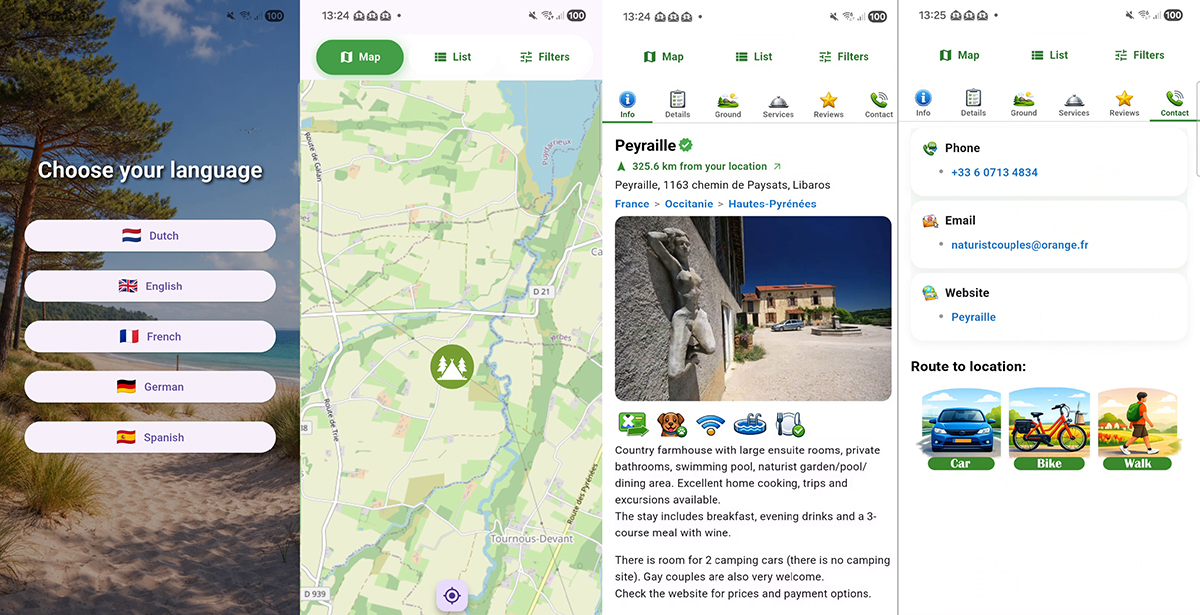
After installation, the app will request access to your location. We recommend choosing “While using the app”, the top option. This is important for the app to function properly. Without your location, the app will have limited functionality (for example distance calculation and map display).
⏳ Trial period
You get 7 days of free access to all Pro features. The trial starts automatically upon first use. After the 7 days, if you want to continue using the Pro features, you can subscribe at any time. This can be a monthly or yearly plan. Don’t worry: the subscription is not automatically renewed and you are not tied to anything!
📶 Offline app usage
You can use the app offline, but with 2 limitations:
- You must start the app while you have an internet connection and NOT close it afterwards
- Download all photos while you are still online
- Some features will not work, such as the reviews tab, navigation, and opening external Blootlocatie website links
💬 Feedback
This is a brand-new app, so if you miss something or run into issues, please let us know at
Thank you in advance!